Setavio
A downloadable tool for macOS
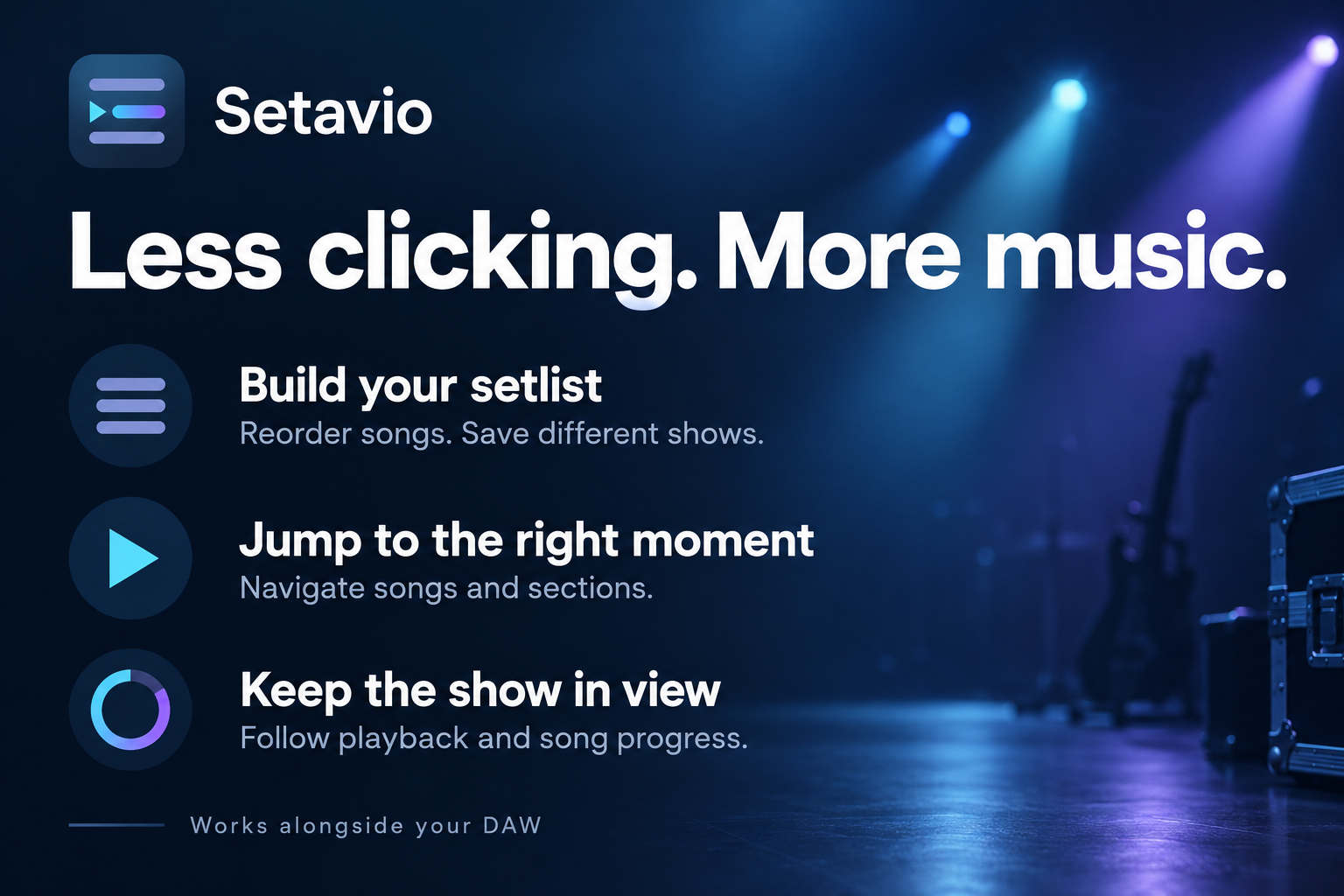
Less clicking. More music.
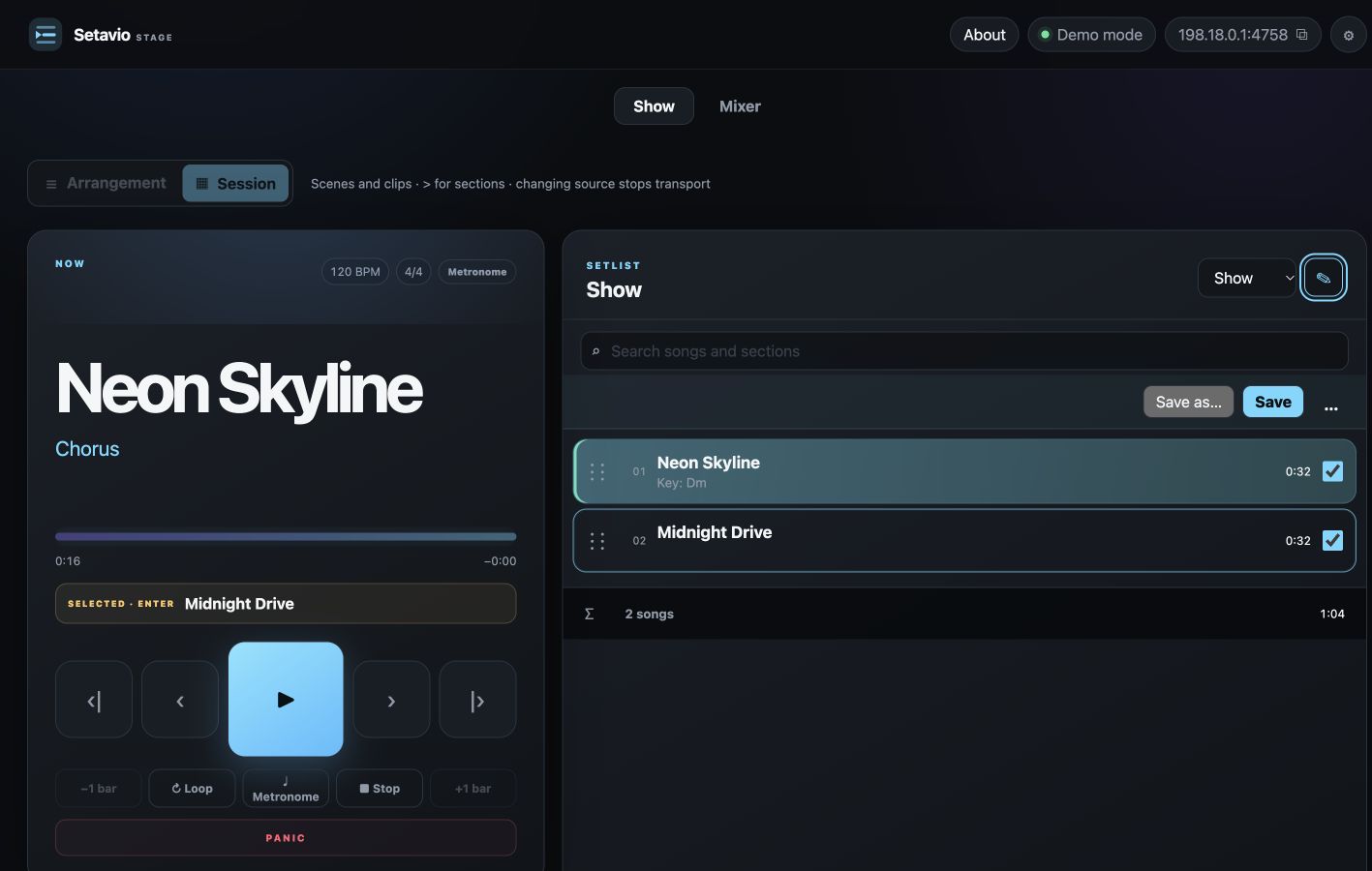
Setavio 1.0.0 is a standalone macOS companion for live setlists and playback control in Ableton Live and Logic Pro. It is not a VST/AU plug-in and does not play audio by itself.
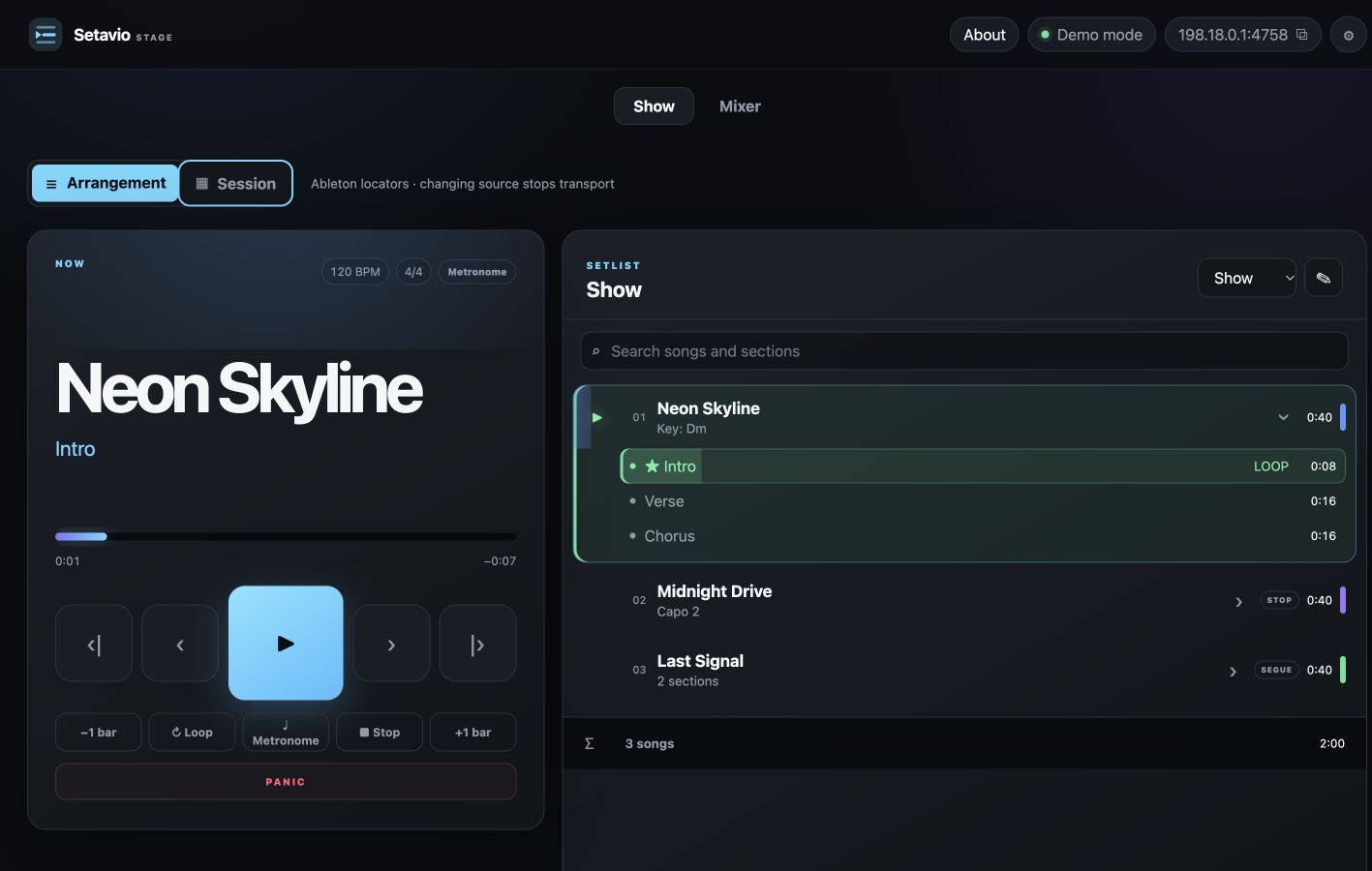
• Arrange songs in show order and save setlists.
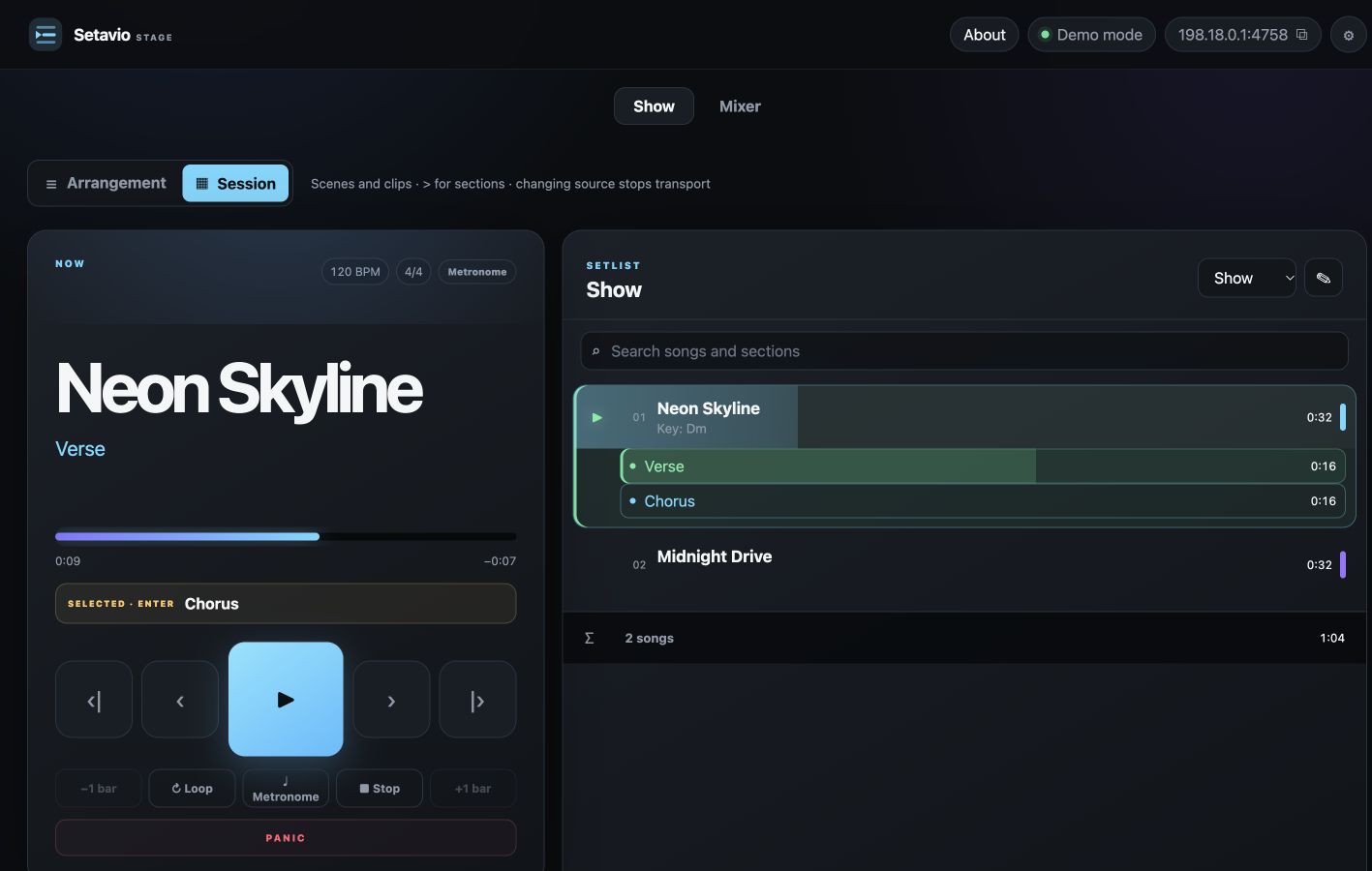
• Jump to songs and sections using project markers.
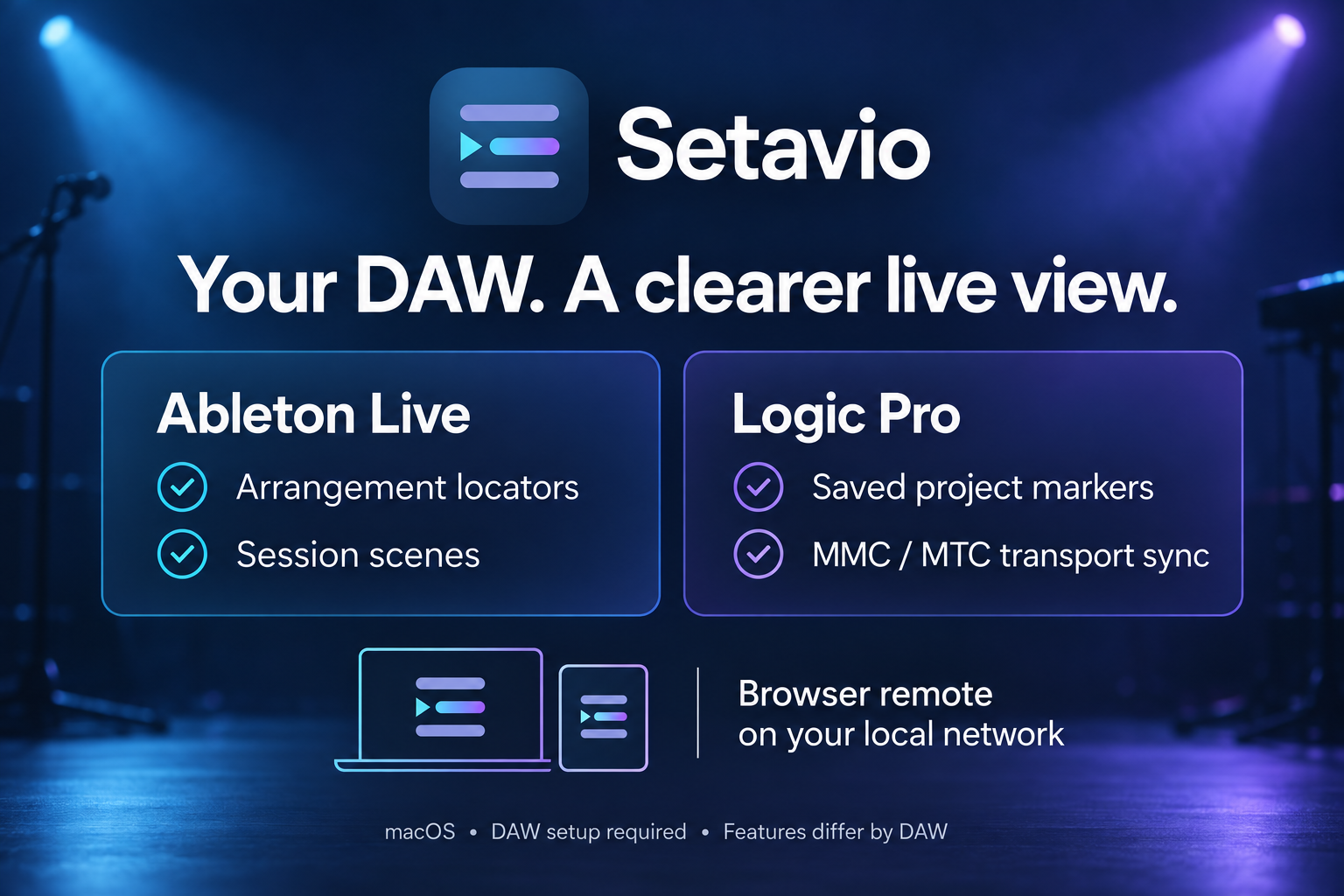
• Use Ableton Arrangement locators or Session scenes.
• Read saved Logic project markers and synchronize transport through MMC/MTC.
• Follow playback progress and song duration.
• Control your show from another device in a browser on your local network.
DOWNLOAD
The ZIP includes a universal macOS installer (Apple Silicon and Intel), README, English/Russian setup guide and licence. Minimum macOS 12; your DAW may require a newer system. Setup is required and integration features differ between DAWs. Logic mixer, metronome and loop controls do not have full parity with Ableton. Windows, REAPER and Pro Tools are not included. Test your project before a show.
FIRST LAUNCH
This build is ad-hoc signed, not Apple Developer ID signed or notarized. Read README.txt before opening the installer. For an unidentified-developer warning, use macOS Privacy & Security → Open Anyway only if you trust the source. Do not disable Gatekeeper or bypass malware/damaged-app warnings.
Free to download. Personal and commercial music use, including paid performances, is permitted under the included licence. Share the download page rather than redistributing the app.
Main project page, voluntary support and contact: https://ko-fi.com/s/b58db6d20d
Made by German Tigay. Independent software, not endorsed by Ableton or Apple. Developed with AI assistance; promotional artwork is AI-generated.
Download
Install instructions
Unzip the download and read README.txt before opening the PKG installer. USER_GUIDE.txt includes setup instructions in English and Russian. A compatible Ableton Live or Logic Pro installation is required.
This build is not Apple Developer ID signed or notarized. For an unidentified-developer warning, use macOS Privacy & Security → Open Anyway only if you trust the source. Do not disable security protections or bypass malware/damaged-app warnings.
Test your setup before a show. Support: https://ko-fi.com/germantigay
Leave a comment
Log in with itch.io to leave a comment.